BAYC Bathroom Lobby
The BAYC Bathroom Lobby, where players gather, party up, and queue for matches.
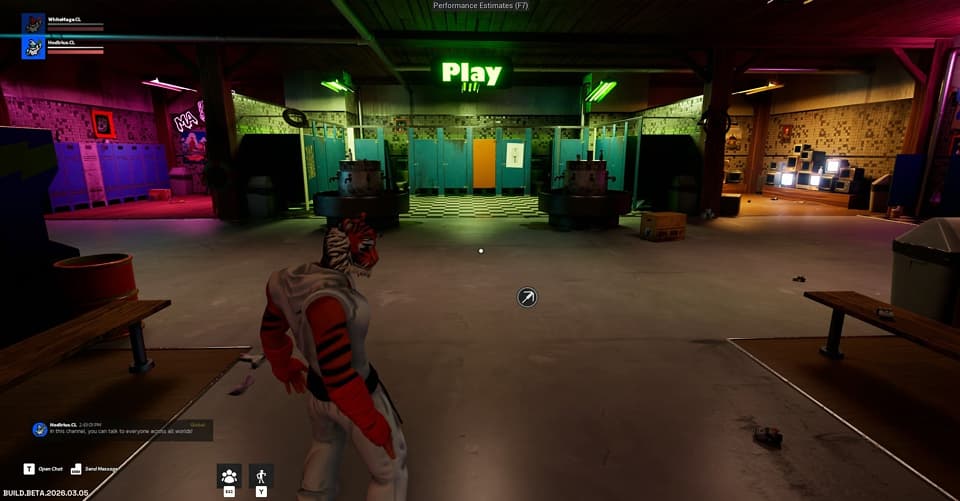
When players enter Blitz, they start in the BAYC Bathroom Lobby. This is a shared in-world space. Other players are visible here and you can interact with them directly. After a match ends, you return here automatically.
From the lobby you can:
- Chat with other players using the Global, World, or Party channels
- Send direct messages to individual players
- Send and accept friend requests
- Create or join a party to queue together
Queuing for a Match
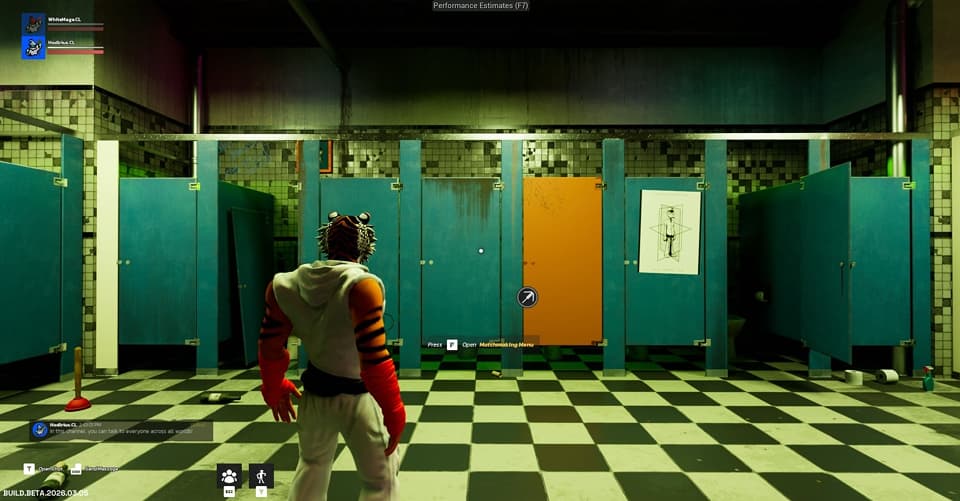
The lobby has a dedicated Play area. Walk up to it and press F to open the Play menu, where you can select a game mode and enter the queue. Available game modes are shown as cards. Modes not yet available are shown as "Game Mode Coming Soon" placeholders.
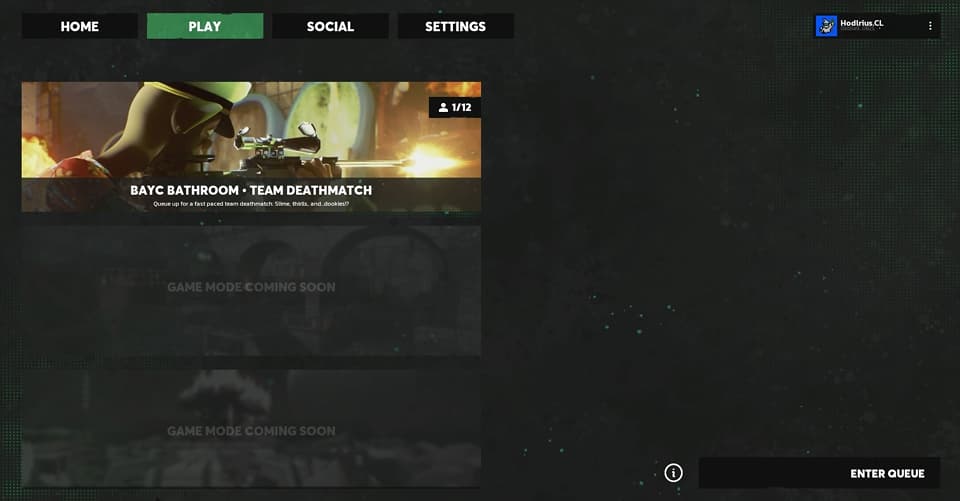
You can queue solo or as a party. If you're in a party, only the party leader can start the queue. When the leader queues, all party members are entered automatically. Party members are not asked to confirm before the queue starts.
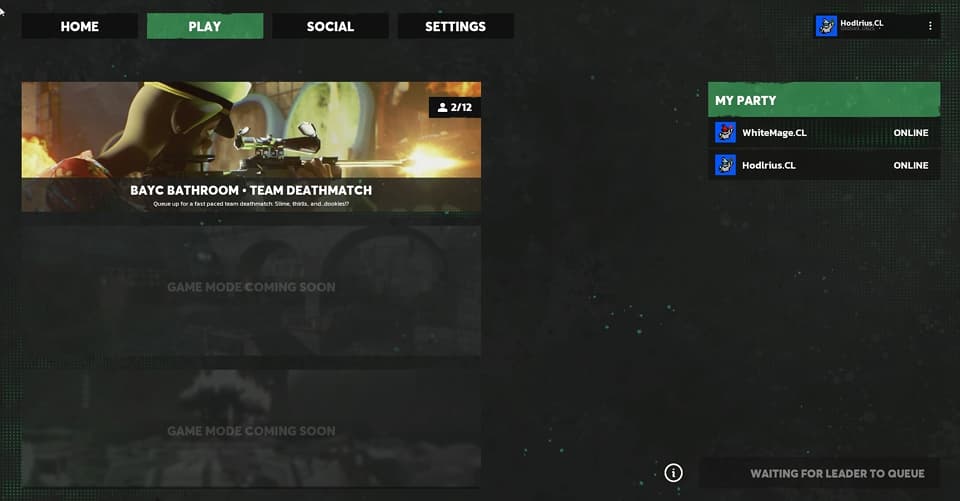
When a match is found, all party members see a match found notification before being taken into the match together.