UI & Menus
Settings
Video, audio, controls, and system settings in Blitz.
Settings are accessible from the main menu. Changes take effect immediately unless noted otherwise. There are four sections: Video, Audio, Controls, and System.
Video
Controls display output and graphics quality.
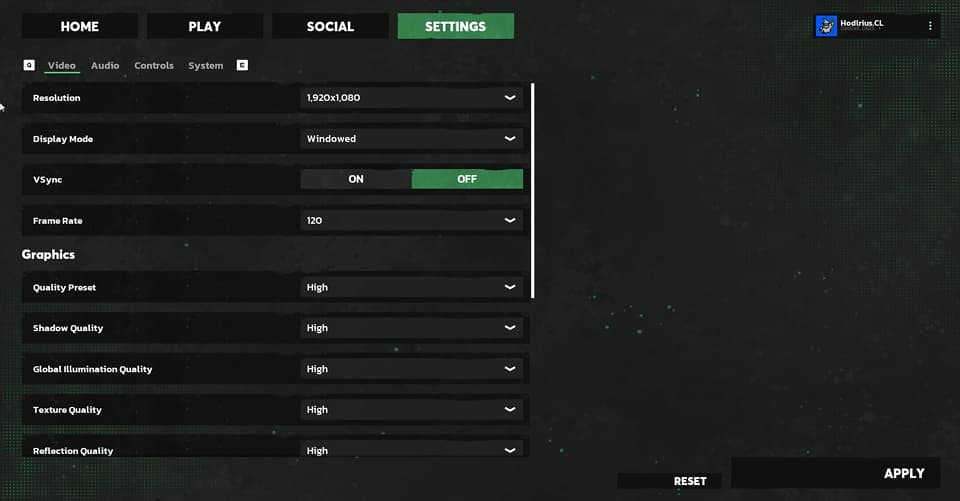
- Resolution: Set your render resolution. Higher resolution is sharper but more demanding
- Frame rate cap: Limit the maximum frame rate. Uncapped will run as fast as your hardware allows
- Graphics quality: Adjust overall visual fidelity. Lower this first if you're experiencing performance issues
Audio
Each audio category has its own independent volume slider so you can balance them to your preference.
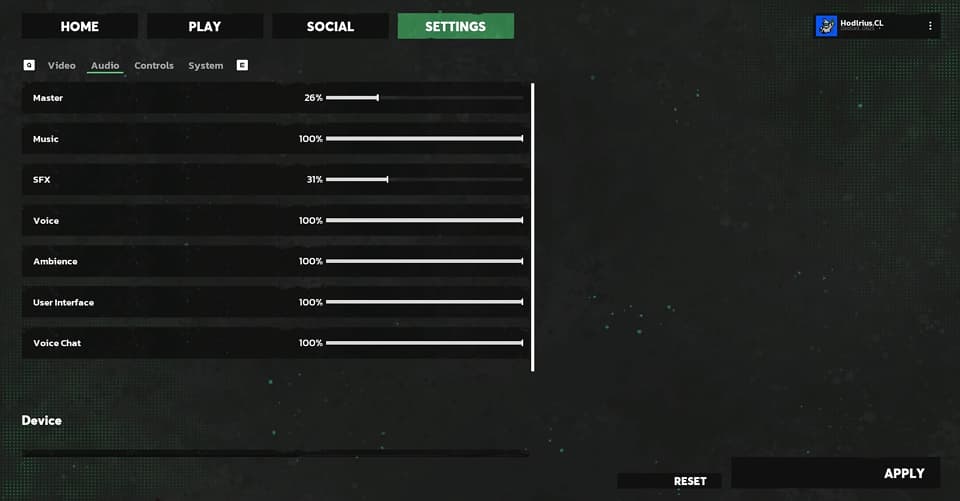
- Music: Background music volume
- SFX: In-game sound effects including weapons, hazards, and environment
- Voice chat: Volume for other players speaking in voice
Individual audio cues can also be toggled on or off.
Controls
All keybinds are fully remappable. If the defaults don't work for you, every action can be rebound here: movement, weapons, grapple, melee, emotes, ping, interact, and more.
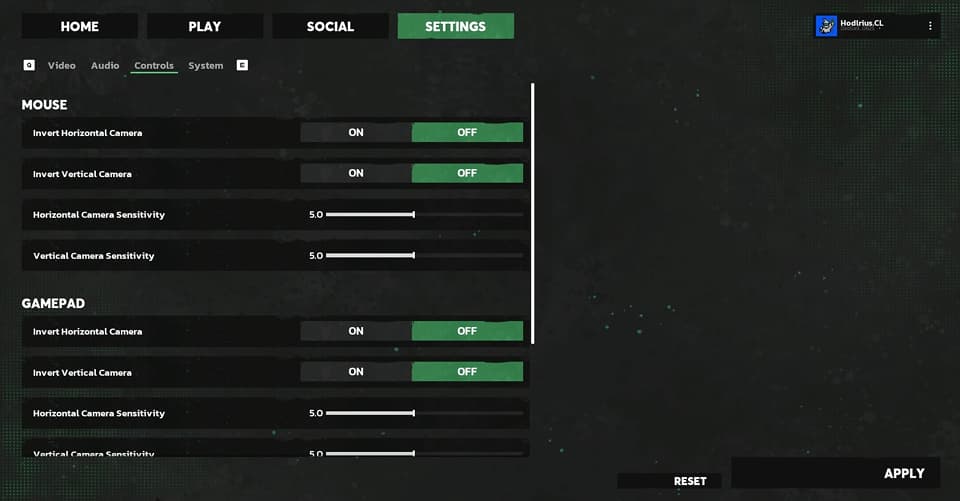
- Mouse sensitivity is adjustable for both horizontal and vertical axes
- Controller deadzone is configurable if you're playing with a gamepad
System
System-level actions and account options.
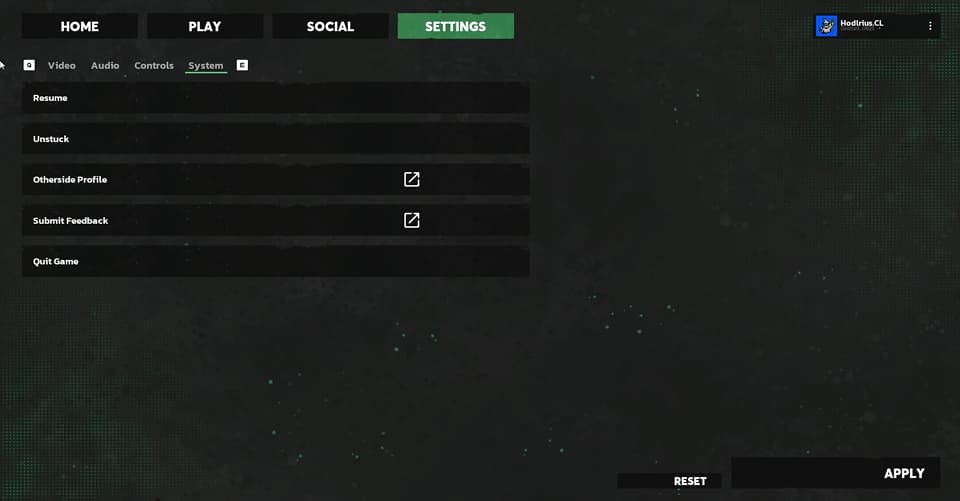
- Unstuck: If your character gets stuck in the environment, use this to reset your position
- Otherside Profile: Access your Otherside profile
- Submit Feedback: Send feedback directly to the team
- Leave Match: Exit your current match and return to the lobby
- Quit Game: Close Blitz entirely