Social
Parties, chat, and friends in Blitz.
The Social tab is accessible from the main menu and covers everything related to other players: parties, friends, the player list, and chat. All social features are built into Blitz directly.
Party
A party groups you with other players so you can queue and play together. Open the Social tab, go to Party, and create or join one. Once a party exists, the person who created it is the party leader. Only the leader can start the queue.
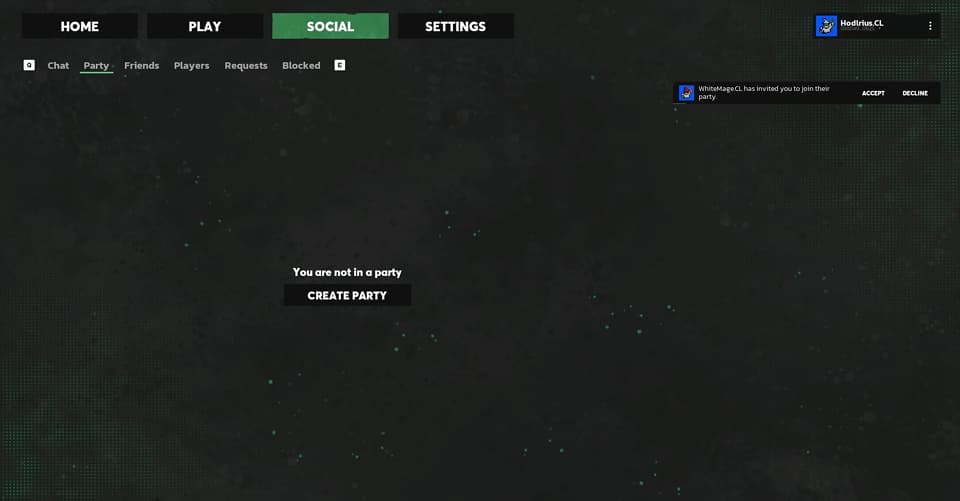
The party panel shows all current members.
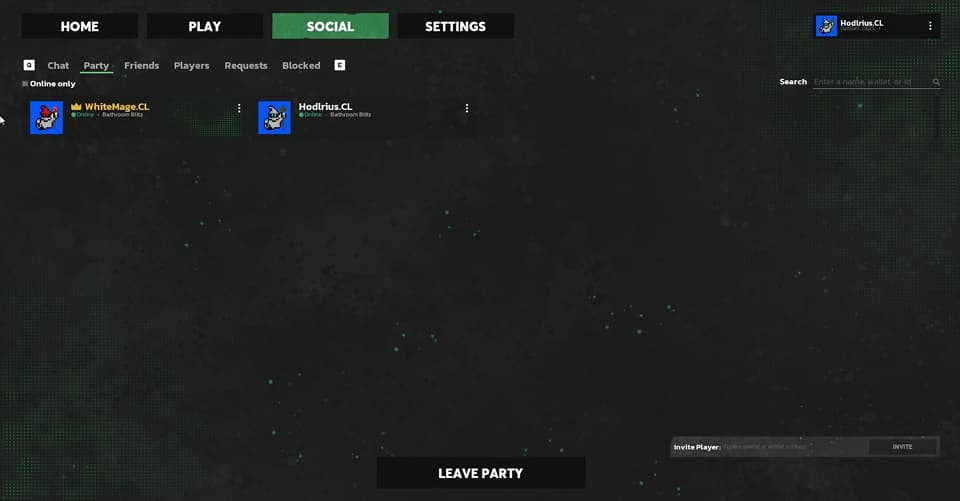
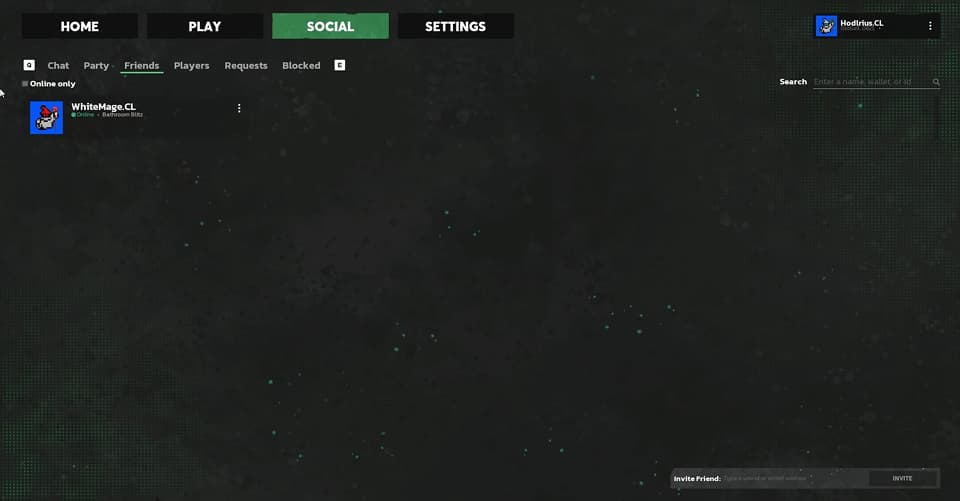
To invite someone, open the friends list inside the party panel and send them an invite. They'll need to accept before joining.
Players
The Players tab shows other players currently online in Blitz. From any player's entry you can:
- Send a friend request
- Open a direct message

Players you've added as friends will appear in your friends list and you can see when they're online.
Chat
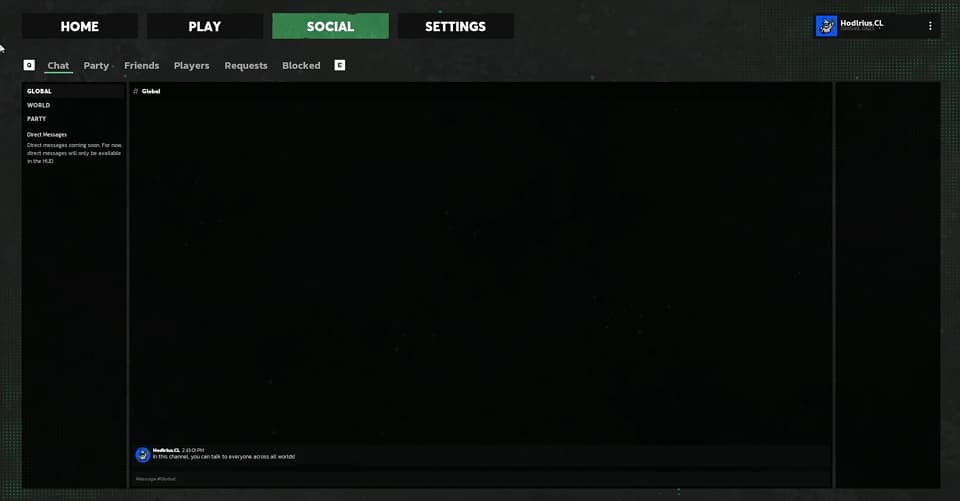
Blitz has four chat options: three broadcast channels and direct messages.
| Channel | Scope |
|---|---|
| Global | All players currently in Blitz |
| World | Players in your current match session |
| Party | Your party members only |
| Direct | One-on-one messages with a specific player |
Switch between channels using the tabs at the top of the chat panel. Direct messages are accessed from the Players tab or your friends list and are separate from channel chat.